

Free CAD and BIM Software for Architecture Students (2025)
Most students don’t start CAD because they feel inspired. They start it because the project has to be delivered and the professor wants clean drawings. That’s fine. CAD is a tool. You learn it piece by piece. You don’t need to pay for it. You don’t need ten courses. You just need good software, a clear order, and a few honest notes from someone who has used this stuff in real work.
Why you need CAD in studio work
CAD gives you control. Not flair. Control. You can set line weights. You can check dimensions. You can hand off drawings without being embarrassed. That is the point. If you want to brush up on hand tools at the same time, take a look at basic drawing tools for architects or the sketching piece at architectural sketching for beginners. Those pair well with CAD because good drawings start before the computer.
Start with the core programs
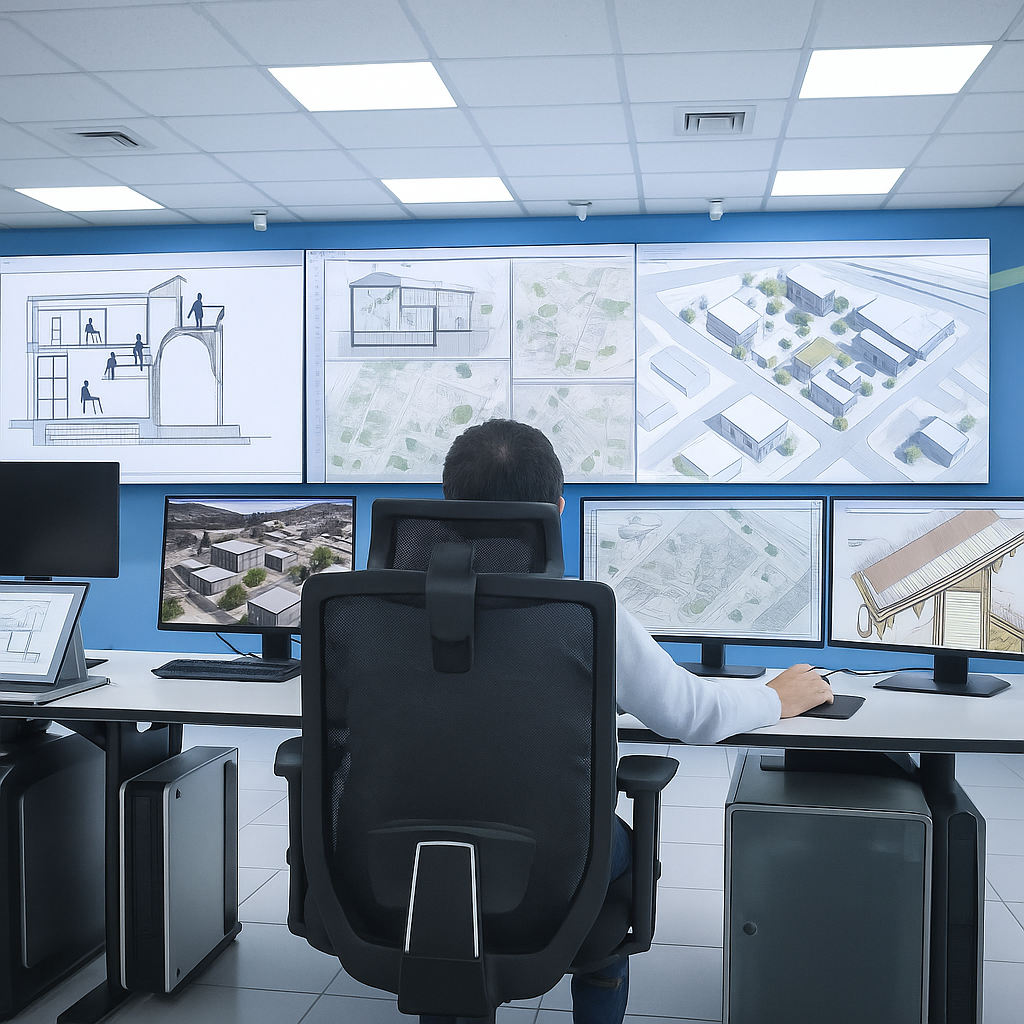
Here is the order that works for most architecture students.
AutoCAD. Still the base. You learn layers, snaps, scales, plotting. Offices still use it. School still uses it. Learn it once. If you need help, there is a clean starter at AutoCAD basics for architects and engineers.
Revit or Archicad. This is where BIM lives. You model a wall and it shows up everywhere. Plans. Sections. Schedules. That is how real firms keep work consistent. You can see the full list of student software at top software every new architecture student should learn.
Rhino with Grasshopper. For when you want shapes that don’t like to behave. Also for parametric thinking. There is a good overview of parametric tools here parametric software and tools.
Free CAD tools you can install today
You asked for real free. Not “free for 7 days.” Not “free but export is blocked.” These are the ones worth your time.
FreeCAD
Open source. Solid. You can build parts, buildings, or small assemblies. Everything is parametric. Change a number and the model updates. It teaches you to think in steps. If you want a full run of lessons, go to Free CAD tutorials for beginners and students.
LibreCAD
This one is made for 2D. Plans, sections, furniture layouts. It is simple. It runs on old laptops. Good when you just need to draft without all the BIM overhead.
Blender
People think it is only for animation. It is not. You can model architecture in it and render it with Cycles or Eevee. This is perfect when you want good lighting without paying for a render engine. If you need help presenting work, there is a useful piece here architectural presentation and rendering.
Tinkercad
Browser based. Fast. Good for someone who has never touched 3D. You can model a small pavilion or furniture. Then move to a bigger tool once you understand how to move in 3D.
OpenSCAD
You write geometry like code. Sounds strange. But for repetitive façade panels or modular parts it is neat. Teaches you to think in rules.
BIM and visualization students can use for free
Architecture is moving into coordinated models. So learn at least one BIM tool while you are still in school.
Revit student license
Autodesk lets students use Revit at no cost. Use your school email. This is the one most firms expect. Learn walls, doors, sheets, and how to print a set. You can pair that with the other software list at top architectural design software tools.
Archicad education version
Graphisoft gives students full access. It is lighter to use than Revit. A lot of smaller offices like it better.
SketchUp Free
Runs in the browser. Fast for massing and volume studies. You can model a house in an afternoon. Then export to a renderer.
Blender with Unreal or Twinmotion
Both Unreal Engine and Twinmotion are free for students. You can bring your CAD or BIM model in and make a simple walk-through. That helps in reviews because people can see the space instead of guessing.
Enscape student access
Plug-in style. Works inside Revit, SketchUp and Rhino. Very useful when the professor wants a render and you do not want to spend days on it.
How to learn CAD without paying anyone
There is a clean way to do it.
Install from the real source. Always. You want updates and support. Cracked copies break. They fail on the night you need to print.
Follow one path. Start with simple navigation, drawing, modifying. Then move to layers and blocks. Then move to 3D. If you jump around, you stay a beginner.
Practice on your studio project. Do not model random cups. Take the house, museum, or housing project you are doing in school and build that. You will remember the tools because they solved a real problem.
Look at how pros present. That is what architectural presentation and rendering is for. Copy the structure, not the style.
Rendering tools for students
Good modeling is not enough. People need to see light, texture, and scale. Pick one renderer and stay with it for a semester.
Lumion
Drag and drop. Good for quick client-style images. If you work on housing, this is enough.
V-Ray
Slower to learn. Better realism. Works with SketchUp, Rhino, Revit. Learn materials and lighting and you can match professional images.
Blender Cycles
Free. Strong. You learn a lot about how real light behaves. That makes you better at every other render tool later.
Books
Books that help you draw better CAD
MUST READ: Architectural Drawing – Rendow Yee
This fixes weak linework. Good to keep open while drafting.
FIELD PICK: Drawing Architecture – Richard Taylor
Great when you want to move from sketch to model without losing the idea. Why I recommend this: it teaches speed.
RECOMMENDED TOOL: Architecture: Form, Space, and Order – Ching
Use this when your models feel empty. Why I recommend this: it trains proportion.
FIELD PICK: Reading Architecture – Owen Hopkins
Good for seeing how parts of a building relate. Why I recommend this: it sharpens observation.
FIELD PICK: Architecture Depends – Jeremy Till
Nice reminder that real work is messy. Why I recommend this: it keeps expectations real.
Mixing hand work with CAD
Never drop sketching. Hand sketches are fast. Then you scan and build in CAD. That is where tools like Procreate for architects help. You can sketch on top of a model and send it to a client or professor in minutes.
If you like model building too, check architectural model making tools. CAD plus physical models makes you a better designer than CAD alone.
Simple student workflow that costs nothing
Here is one stack that works on a weak laptop.
- Draft plans in LibreCAD.
- Model the building in FreeCAD or SketchUp Free.
- Render in Blender.
- Do labels and boards in Inkscape or GIMP.
That is a full pipeline with zero license cost. If you want to test home design tools for fun, there is a list here free home design software.
Where students go wrong
Too much detail. You do not need to model every screw. Model what tells the story.
Messy files. Name layers. Name views. When you open the file next month you will thank yourself.
Only learning one tool. Learn at least two. If the office uses Revit and you only know SketchUp, you will waste time.
No sense of drawing. CAD does not fix bad composition. If your sheets look flat, read one of the books above or go back to presentation basics.
When to move into BIM
Move when you can draft cleanly. BIM is not harder. It is just more connected. Start with walls, doors, windows, levels. Then sheets. Then schedules. Keep it small. A single floor is enough to learn. Revit and Archicad both work. Pick the one your school or internship uses more often.
Software that earns a permanent spot
This is the short list that stays useful year after year. It matches your existing list, so we keep it.
AutoCAD. Still runs half the profession.
Revit. Best for staying coordinated.
SketchUp. Fast for form.
Rhino + Grasshopper. For advanced form and logic.
Archicad. Lighter BIM.
Lumion / Enscape / D5 Render. Pick one. Clients want to see it first.
Blender / FreeCAD. Free. Teaches you to think in 3D.
You can see your original software writeup at top 10 architectural design software tools if you want to link this article inside the cluster.
Tools that still help even in 2025
Good drafting kits still matter. A scale. A decent geometry set. An Ames lettering guide. They make you pay attention to line quality. If you want the list you already built, send readers to tools for architects after 25 years in the field.
FAQ
Quick answers about FreeCAD and student CAD
Is FreeCAD good for beginners?
Yes. It is free. It is well documented. It teaches you parametric thinking. Start with simple parts and move to buildings.
Is it really free?
Yes. Open source. No hidden fee. You can install it on Windows, Mac, or Linux.
How long does it take to learn?
Give it two to three weeks of steady work. One hour a day. Model real studio pieces, not random shapes.
Can I do architecture with it?
Yes. You can model walls, roofs, openings, and export to other software for rendering. You can also combine it with Blender.
What should I learn next?
Move from FreeCAD or LibreCAD to Revit or Archicad. Then to rendering. Keep upgrading. If you want a wider software map, point to AI design software architects use or AI design software 2025.
Last note
You do not need every tool. You need a few that you know well. Pick one for drawing. One for modeling. One for rendering. Stick to them for a semester. Add more only when your projects demand it. That is how you save time and money.