

What AI Actually Saves You in Architecture (Time, Money, Headaches)
Most noise about AI in architecture jumps to “AI will design cities” or “AI will replace architects.” In real studios, AI is doing something much simpler: cutting hours off early design, improving presentation fast, and catching obvious issues before consultants push them back.
If you work on concepts, interiors, housing, mixed-use, or small additions, AI can act like an extra helper that writes quickly, generates first-pass layouts, and produces clearer visuals so you don’t rewrite the same thing all day.
The Time Bucket: Where AI Gives You Hours Back
The slow parts of practice are almost never sketching — they’re redrawing, cleaning, renaming, and explaining. AI fits right there.
Early options without losing a day
Going from “site + area” to “three real options” can take hours, especially on odd lots. With AI-assisted layout or massing tools, you feed constraints — site shape, program, adjacencies, maybe solar — and get several starts. You keep the 1–2 that make sense and move them into real modeling. That’s the same pattern shown here: AI workflows with ChatGPT, Revit, Enscape, and more.
Drafting help for words and notes
Room descriptions, scope paragraphs, schedule notes — AI can write the first version so a junior isn’t stuck for two hours. You edit for tone and accuracy, but the blank page is gone.
Faster images
Real-time renderers already speed things up; AI takes the final 20–30% — skies, entourage, light balance — so the image is good enough for a client in one pass. For the full flow, see using AI to polish renderings.
Early performance checks
AI/ML tools can give daylight, solar, or envelope hints right at concept stage. That keeps you from developing a hot, glare-heavy scheme that has to be reworked later. Time saved = fewer redesign loops.
Result: AI gets you to “architect work” faster — context, client issues, and character — instead of losing the day to setup.
The Money Bucket: How AI Keeps Costs from Drifting
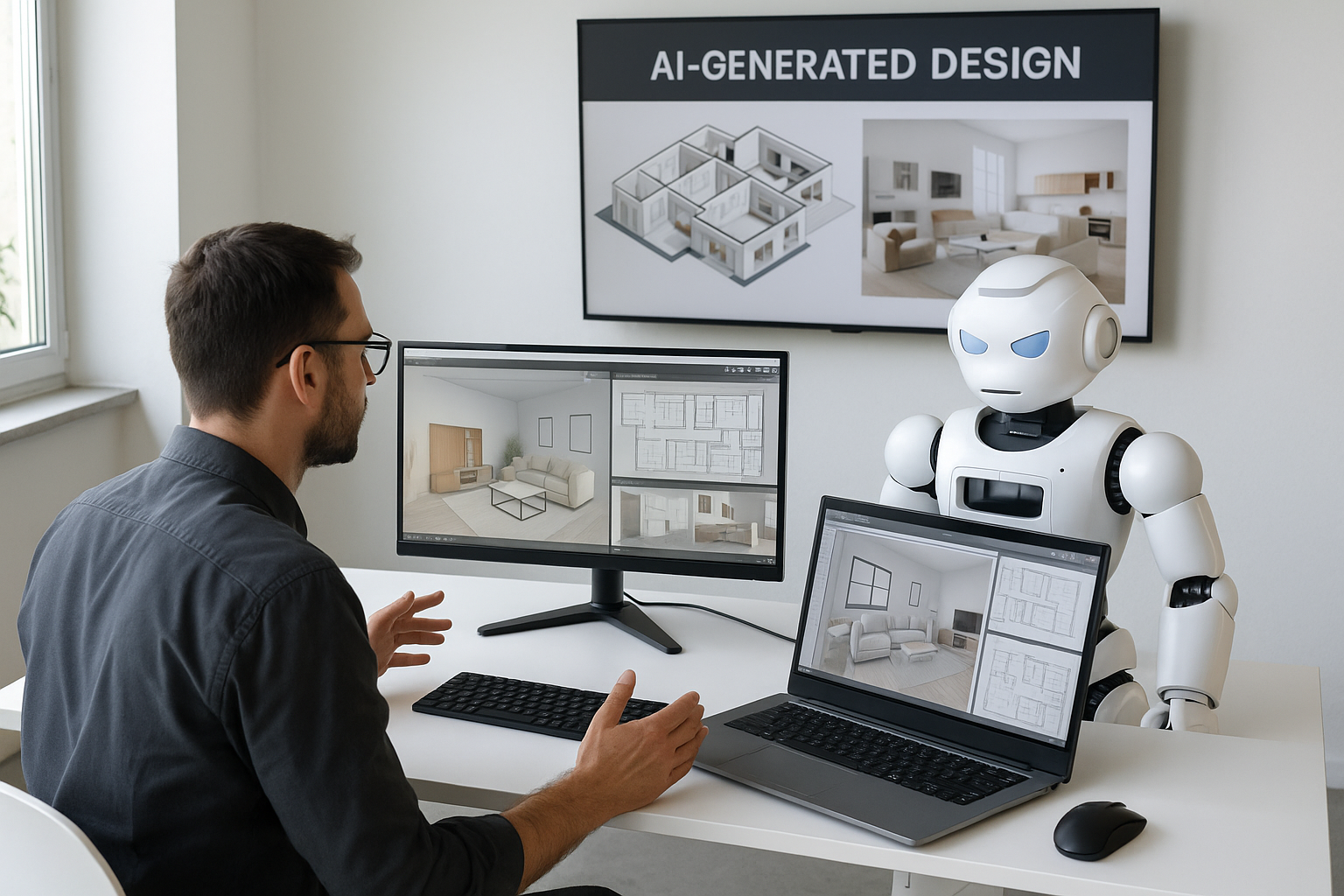
Less time is already less cost, but AI also helps stop small, constant waste.
Fewer throwaway presentations
Clearer first visuals mean fewer “I still can’t see it” responses. One cleaner set instead of three half-sets is real labor saved on the same fee.
Catching envelope and orientation mistakes early
Quick AI-informed checks on glazing, shading, and massing reduce the “we need to deepen this” conversations later. That protects the budget and looks more professional with clients.
Getting juniors productive sooner
If AI provides first-draft notes and structured room data, newer staff produce usable work earlier. You still review, but you don’t lose half a day teaching document wording every time.
Reusing patterns
Once you see what AI can generate from good inputs, you can standardize descriptions, concept blurbs, and space lists, and regenerate them per project. That’s where repeatable profit lives.
Money result: fewer redraws, fewer re-explanations, clearer images — the things that usually drain fees.
The Headache Bucket: Problems AI Helps You Avoid
AI won’t design for you, but it can keep the project from looking messy.
Consistent language across sheets
AI can help keep room names and descriptions aligned so the plan, schedule, and brief all say the same thing. That reduces correction emails.
Client explanations for technical moves
Parametric spacing, AI-based space planning, responsive shading — these can sound complicated. AI can write short, plain explanations you can drop into the deck so clients understand. For interior work, the same logic shows up in AI shortcuts for interior designers.
Clearer expectations
AI-cleaned visuals help clients see what they’re getting. Many “I don’t like it” reactions come from unclear images, not bad design.
Simple policy and privacy rules
A short AI rule makes the whole team safer: no confidential client data in public tools, architect signs off, performance numbers checked in the firm’s software.
Result: less admin back-and-forth, less “why does it say that,” more time on design.
Pick the AI Level That Matches Your Work
You don’t need every tool — you need the ones that match what you deliver.
If you’re a student or starting out
- Goal: make studio projects look resolved faster.
- Use AI for: quick massing/layout options, image cleanup, concept and narrative text.
- Extra: run a light performance hint so your project sounds climate-aware.
- When you grow: add context from AI in building design so bigger projects make sense.
If you’re an interior designer
- Goal: show before → after in one call.
- Use AI for: restyling the same room in several moods, quick FF&E variations, clear client text.
- See also: AI for interior and furniture projects.
If you’re in a small architecture office
- Goal: deliver faster without extra headcount.
- Use AI for: briefs, room data, early site options, render polish.
- Skip: tools that don’t connect to Revit, Archicad, or Rhino.
If you’re on engineering / construction / site side
- Goal: spot issues and delays earlier.
- Use AI for: report drafting, schedule pattern spotting, photo-to-model comparison.
- Related reading: AI in construction and site work.
What AI Still Can’t Do
There are limits that keep architects in charge.
- Site sense: wind, noise, neighbors, glare — still on you.
- Taste and culture: models default to generic looks unless you tell them otherwise.
- Local code: AI can point to sections, but you still check your jurisdiction.
- Pricing: without real rates, suggestions can be unrealistic.
Rule: AI proposes, architect approves.
FAQ
1. Does AI really save time?
Yes, when it’s added to tasks you already do — options, notes, visuals. If it’s a separate workflow, it adds work.
2. Do I have to code?
No. Most current tools are prompt-based or built into existing design software.
3. Is this only for big firms?
No. Small teams gain the most because AI becomes the extra set of hands.
4. How do I stop AI from making everything look alike?
Feed it your own projects as reference and ask for local materials, climate response, and regional style.
5. Where’s the long version about AI fears?
See architecture and AI concerns for ethics, bias, and long-term change.
Final Word
AI in architecture right now is about clearing the boring 30% — setup, notes, first images — so you can spend more time on the 70% that makes the building yours. Learn it and you look fast and organised; ignore it and you look slow next to the teams who did.