
How We Use AI to Finish Interior Projects in Half the Time
What Happens When Interior Designers Fully Embrace AI
Real-world examples of AI in interior design. The tools we used, what worked, and how we saved 120+ hours per month.
Why AI is Your Secret Design Weapon
In early 2023, our interior design studio faced a choice. AI was everywhere in design news, client conversations, and industry meetups. We could ignore it or see if it could actually make us better. We chose to test it.
For six months, we used AI on every type of project we handled, from compact city lofts to boutique hotel suites. It was built into our process for space planning, concept visuals, materials research, and client presentations. At first, we had doubts. Would it slow us down while we learned it? Would it strip away the creative spark that defines our work?
The reality was the opposite. Average project timelines dropped from eight weeks to four. That meant saving more than 120 work hours per month. We could take on extra clients without rushing or lowering quality. Clients were signing off faster because they could see photorealistic versions of their spaces within days, not weeks.
The Smartest Ways to Put AI to Work in Interior Design
AI did not replace our creativity. It cleared the roadblocks that slowed us down. Drafting, rendering, and manual sourcing became faster and sharper, giving us more time for the design work that truly matters.
In this guide, we will share exactly how we achieved it, the tools that worked, where they failed, and how you can integrate them into your own process.
MUST READ
The Interior Design Productivity Blueprint — A practical guide to streamlining your process and reducing wasted hours. Packed with workflow templates and sourcing shortcuts.
→ Buy on Amazon
AI Changes That Made Our Design Workflow Twice as Fast
See how AI can help interior designers create faster, present better, and win more clients without losing creativity.
How AI Freed Up More Time for Our Creative Work
1. Faster Space Planning Without Losing Precision
One of the first bottlenecks AI removed was layout work. Using tools like Planner 5D and Autodesk Revit with AI plugins, we could produce working layouts in minutes instead of days. This wasn’t about letting AI guess — we set the parameters, then refined the AI output to suit the client’s needs.
Example: A 1,200 sq ft condo project that normally required 10+ hours of manual drafting was fully laid out in under two hours, giving us time to test three different configurations before client review.
MUST READ
The Interior Design Handbook by Frida Ramstedt
Clear rules for furniture placement, lighting height, and room balance. Cuts the guesswork and makes every space feel intentional.
2. Photorealistic Visuals in Record Time
Clients rarely approve something they can’t picture. With Enscape and Lumion AI rendering workflows, we delivered multiple design options during live Zoom calls. No waiting a week for renders.
Example: In a boutique hotel redesign, we swapped finishes and lighting styles in real time, allowing the client to choose a final look during the meeting. That single session saved us three weeks of back-and-forth.
3. Automated Sourcing and Material Research
Instead of manually hunting for products, we integrated Foyr Neo and Specsources AI to pull material options with specs, vendor info, and sustainability data.
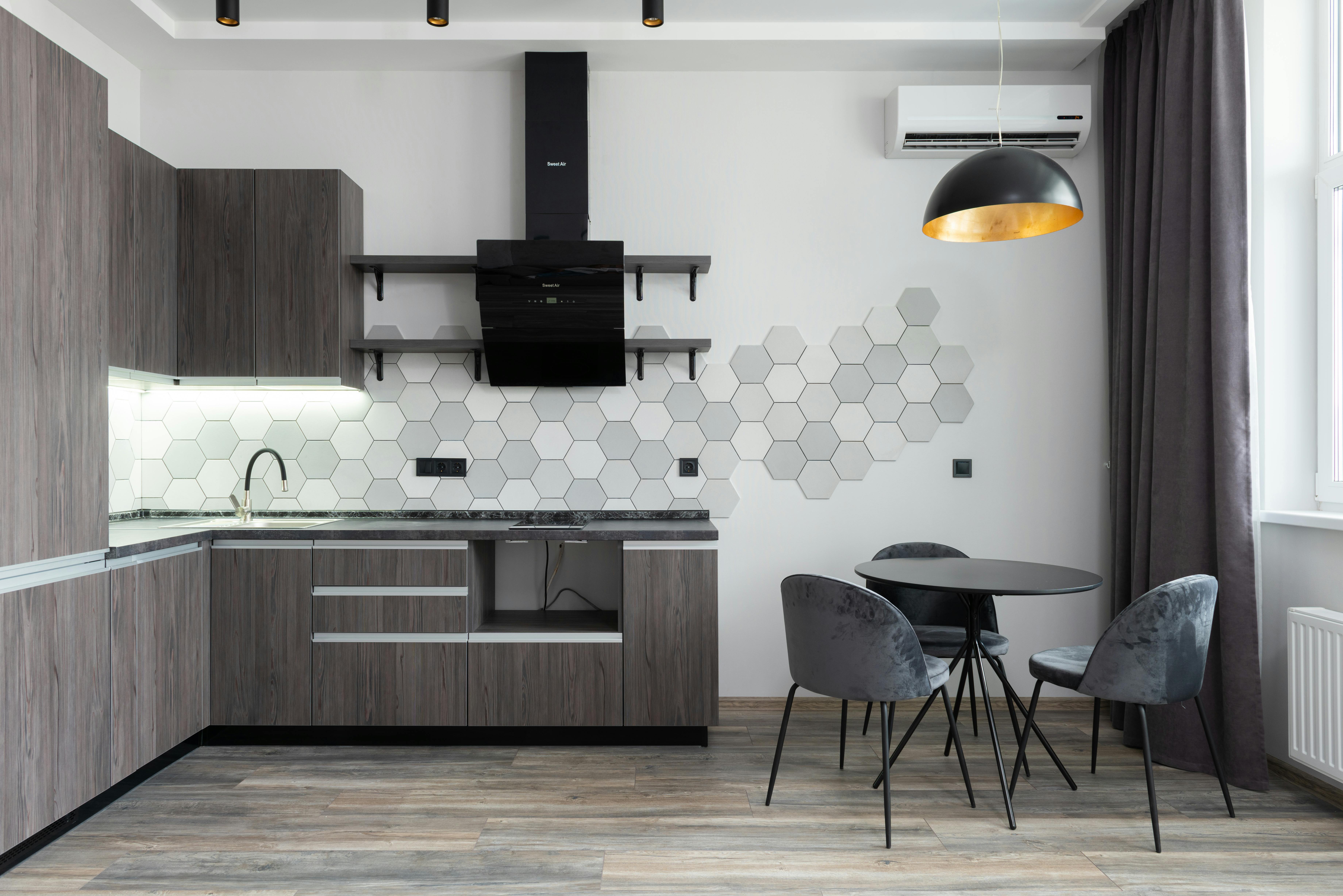
Example: For a high-end residential kitchen, AI sourcing located matching stone slabs from three vendors in less than an hour — a process that usually takes days.
MUST READ
Materials for Interior Environments – A designer’s reference for everything from stone and tile to fabrics, with real-world sourcing insights.
→ Buy on Amazon
4. Data-Driven Personalization for Clients
AI tools like Morpholio Board analyze client inputs and past selections to recommend styles, colors, and furniture pieces.
Example: For a client who couldn’t settle on a style for their vacation home, AI presented three fully fleshed-out mood boards aligned with their Pinterest history and survey answers. All three felt “right” to them, and one was approved on the spot.
5. AI for Sustainability Decisions
Clients are asking tougher questions about environmental impact. Using Autodesk Insight and Cove.Tool, we evaluated energy efficiency, low-VOC materials, and daylight optimization during the design phase.
Example: An office redesign cut projected HVAC energy usage by 28 percent after AI modeling suggested new window placements and insulation choices.
6. Admin Tasks Without the Time Sink
Scheduling, budgeting, and delivery tracking used to eat 10+ hours a week. Design Manager AI now does cost tracking, vendor updates, and order status reports automatically.
Example: For a 12-room hospitality project, AI flagged a shipment delay for custom lighting before it became a problem, giving us time to pivot vendors.
7. The Limits We Hit and How We Adapted
AI can’t design your vision. It can’t replace client relationships or the designer’s trained eye. We learned to treat AI as a partner, not a decision-maker. When it misread a brief or generated impractical layouts, we stepped in early to correct course.
Example: One AI-generated open-plan kitchen looked beautiful but ignored building codes. Without an experienced designer reviewing it, that could have been a costly mistake.
The Bottom Line
AI made us faster, more precise, and more adaptable — but only because we stayed in control of the process. The technology removed repetitive, low-value work and left us with more hours for creativity, client interaction, and business growth.
If you adopt AI expecting it to “do the job” for you, you’ll be disappointed. If you treat it as an extension of your design brain, you’ll be amazed at what’s possible.
Related: Artificial Intelligence in Building Design: Transforming Architecture
The Workflow Shift That Actually Cut Our Timelines in Half
Before AI, a standard condo redesign took us 6 to 8 weeks from first concept to final approval. The bottlenecks were always the same: endless manual render revisions, slow supplier responses, and clients struggling to visualize options.
Here’s what changed when we rebuilt the workflow with AI:
● Day 1–2: Concept Sprint – Instead of sketching by hand and waiting for renders, we fed our mood boards, floor plans, and dimensions into Midjourney and Interior AI. We could test 20 visual directions in under 48 hours.
● Day 3–4: Rapid Material Lock-In – Using AI sourcing tools tied to vendor catalogs, we pre-selected materials that were actually in stock. No more waiting two weeks to find out tile was discontinued.
● Day 5: Live Client Session – We ran an on-screen AI rendering session with the client. They watched their space update in real time, swapping wall colors, lighting types, and furniture layouts on the spot. Decisions that normally took 3–4 meetings were done in 90 minutes.
● Week 2: Final Approval – Because we cut the decision loops, our documentation and ordering started 3–4 weeks earlier than before.
The result? That same condo project went from 56 days to 28 days start to finish, without sacrificing design depth. Multiply that across multiple projects, and you see why our team could take on 30% more work in the same year.
Pro Tip: If you want the same speed gain, don’t just “add AI.” Redesign your entire process around it, from client intake to procurement.
See also: 10 Ways AI Design Is Changing Architecture Right Now
FAQs
AI in Interior Design – Real Questions, Real Answers
Getting Started with AI in Interior Design
1. Do I need coding skills to use AI for interior design?
No. Most AI design tools are built for non-coders. You work through visual interfaces or drag-and-drop dashboards.
2. What’s the easiest AI tool for a beginner designer?
Planner 5D or Morpholio Board are the most intuitive for basic layouts and mood boards.
3. How much does AI software cost for a small design studio?
Anywhere from $20/month for basic tools to $200+/month for advanced suites with rendering and sourcing.
4. Can AI replace hiring a junior designer?
It can take over repetitive tasks like sourcing and drafting, but it can’t match a human’s design judgment or client handling.
5. How quickly can I learn to integrate AI into my workflow?
Most designers adapt in 2–4 weeks if they start with one or two tools and gradually expand.
Practical Uses
6. How does AI speed up concept development?
It generates multiple layout or style variations in minutes, letting you choose and refine the best ones.
7. Can AI help with building code compliance?
Some AI plugins flag potential violations, but always double-check with a human code expert.
8. What’s the fastest way to create photorealistic renders using AI?
Use tools like Enscape with AI-enhanced rendering presets for near-instant visuals.
9. Can AI help with furniture sourcing?
Yes. Platforms like Foyr Neo can match furniture images with vendor catalogs and pricing.
10. Does AI work for small residential projects or only large commercial ones?
It works for both. Smaller projects benefit from faster approvals and reduced costs.
Client Communication
11. How does AI make client presentations better?
You can show multiple fully rendered options in a single meeting instead of sending static mockups later.
12. Can AI adapt designs to a client’s style preferences?
Yes. It can analyze a client’s past choices, Pinterest boards, or uploaded images to suggest aligned designs.
13. Will clients know you’re using AI?
That’s up to you. Some studios are open about it, others keep it internal as part of their process.
14. How do I avoid AI-generated designs looking generic?
Always start with your own concept and use AI to refine, not originate, the design.
Costs and ROI
15. How much money can AI save in a typical project?
Savings vary, but studios report cutting drafting and sourcing costs by 20–40 percent.
16. Is AI worth it for a solo designer?
Yes, especially for tasks like renderings, sourcing, and mood board creation.
17. Do AI tools pay for themselves?
Usually within 1–3 projects if you use them for multiple stages of the workflow.
18. What’s the risk of overspending on AI subscriptions?
Paying for too many overlapping tools. Start with one, prove ROI, then add more.
Limitations and Risks
19. Can AI make structural or engineering decisions?
No. AI can suggest layouts but cannot ensure structural safety without an engineer’s input.
20. Are AI designs always buildable?
No. Some outputs ignore practical constraints like plumbing or ceiling height.
21. How do I protect client privacy when using AI?
Use tools with strong data policies and avoid uploading sensitive information to public models.
22. Will AI make all designers obsolete?
No. It automates repetitive work but still relies on human creativity and client relationships.
Advanced Applications
23. Can AI help with sustainability in interior design?
Yes. AI can evaluate material footprints, energy efficiency, and daylight optimization during design.
24. How does AI help with lighting design?
Tools can simulate natural and artificial lighting to find optimal placements and fixture types.
25. Can AI predict maintenance issues?
Some AI building management systems flag potential material wear or HVAC inefficiency.
26. Can AI help with historical or period-accurate designs?
Yes. AI can analyze archives and reference photos to recreate period-specific styles and details.
Future Trends
27. Will AI integrate with VR for immersive client walk-throughs?
Yes. This is already happening, and VR+AI combinations will become standard in client presentations.
28. How might AI change pricing models for designers?
Faster delivery could shift more designers to flat-fee or value-based pricing.
29. Could AI handle end-to-end design one day?
Unlikely. Human oversight will remain essential for taste, ethics, and safety.
30. What new AI tools should I watch for in 2026?
Expect growth in generative space planning, real-time sourcing, and AI-driven sustainability audits.
Learning and Adapting
31. What’s the best way to test AI without risking a client project?
Run a “shadow project” alongside a real one, using AI for mock versions.
32. Where can I learn AI for interior design for free?
Look at YouTube channels like Interior AI Tips and free trials from tool providers.
33. Should design schools teach AI now?
Yes. Early exposure prepares new designers for a tech-driven industry.
34. How often should I review my AI toolset?
At least every six months, as features and pricing change quickly.
35. Can AI help with international projects?
Yes. Many tools have global vendor databases and can adapt to regional codes and materials.