
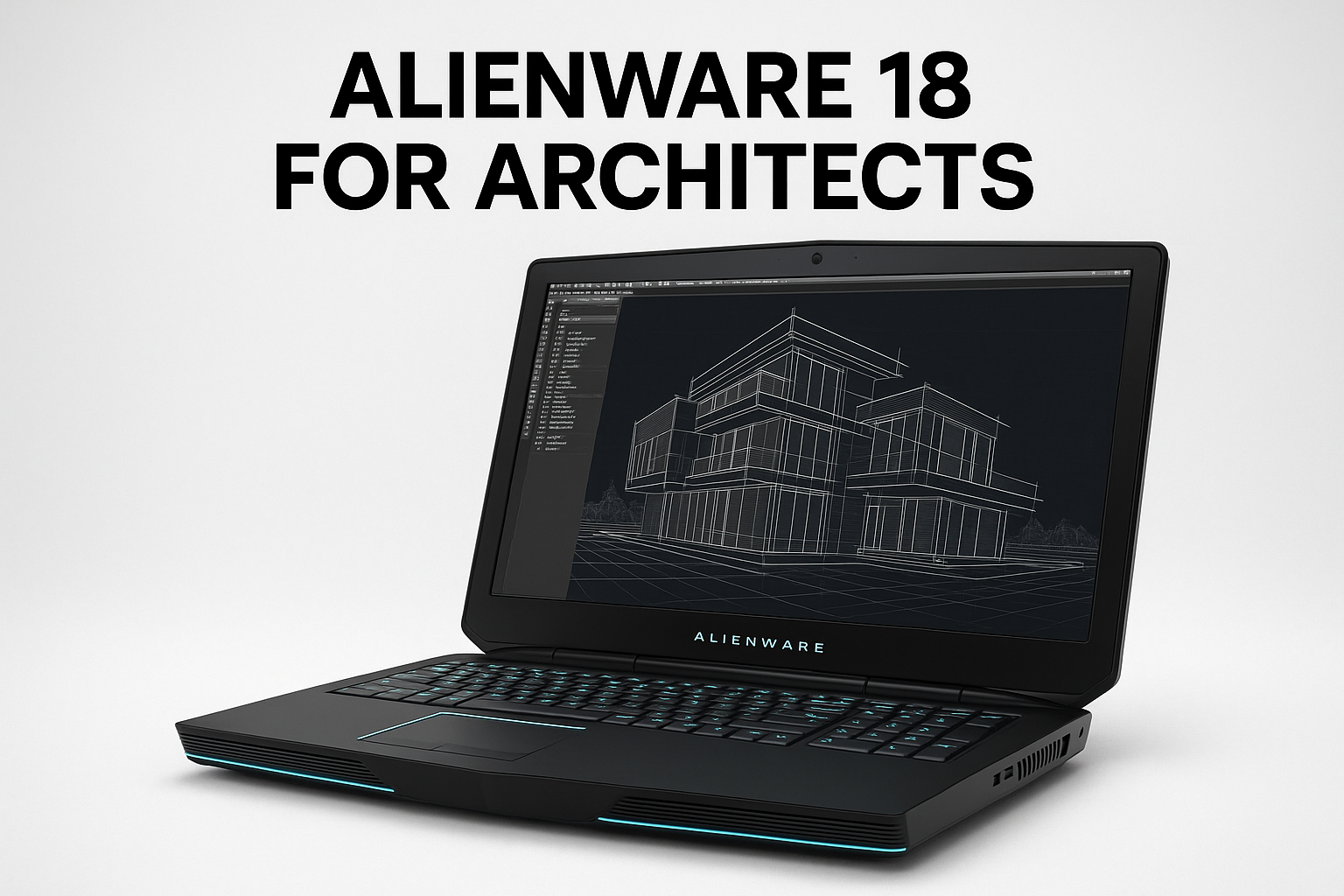
Is the Alienware 18 Good for Architects? Full Breakdown
See how Alienware 18 compares to MacBook Pro, Dell Precision, and ASUS ProArt for architectural software, rendering, and daily workflow.
I’m an architect. And yes — I actually own this beast.
Best Laptops for Architecture: How Alienware 18 Stacks Up
First Impression: A Beast on the Desk
If you're in architecture school or running a full 3D-heavy practice, the Alienware 18 is the kind of machine that makes people stop and stare. Massive, aggressive, and unapologetically overbuilt. But can it actually help you do the work?
Short answer: yes, if you stay in one place. This isn’t a portable workstation—it’s a powerplant.
I’ve used this machine for years to run Rhino, Revit, 3ds Max, V-Ray, Enscape, and more. So this isn’t some recycled specs list — this is real-world use, on real design projects.
Let’s break it down.

Who Should Actually Consider an Alienware 18?
| Use Case | Verdict |
|---|---|
| On-the-go rendering or 3D modeling | ✕ Way too heavy and bulky |
| Studio desk replacement | ✓ Built like a high-performance desktop |
| Architecture school | ✓ Capable — but lugging it is rough |
| Daily site visits or client meetings | ✕ Impractical due to size and battery life |
| VR walkthroughs or Unreal Engine archviz | ✓ Perfect GPU horsepower |
In Focus
What It Actually Feels Like to Use It

Display: Size Over Precision
Good Enough, Not Studio-Grade
- 18-inch Full HD or QHD display (varies by model)
- Bright, big, and immersive for CAD, Rhino, or even Rhino+Grasshopper side-by-side
- Great for multi-window workflows: Revit + PDF markups + browser open
- Not color-accurate enough for serious rendering color work (only ~72% sRGB on most models)
- No full AdobeRGB, HDR, or 4K — fine for modeling, weak for print-level visual work
Verdict: Huge canvas for drafting and layout, but don't trust it for final visual fidelity.
GPU Power: Where It Shines
Render Like a Beast
Most Alienware 18 builds ship with dual NVIDIA GTX or RTX cards, especially in older models (GTX 780M, 880M), and newer customs go up to RTX 3080.
What that means for architects:
- V-Ray / Enscape / Twinmotion / Lumion: blazing real-time previews and fast render exports
- Octane Render: usable for GPU-accelerated path tracing
- VR (Oculus/Quest Pro): capable of running full architectural walkthroughs in Unreal Engine or Unity without major frame drops
- SketchUp + V-Ray RT + PS + Lightroom open? No problem.
Overkill for:
- AutoCAD 2D drafting
- Simple SketchUp massing models
- ArchiCAD elevations
CPU + RAM: Built for Demanding Workflows
Heavy Lifting, No Sweat
Depending on your configuration:
- Intel Core i7 or i9 (desktop-class CPUs)
- Up to 32GB / 64GB RAM (upgradeable)
- 2 or 3 SSD slots for fast file loading + project backups
Used it personally for:
- Revit (large models with MEP systems + linked files)
- Blender (cycles and Eevee rendering)
- 3ds Max + V-Ray for animation frames
- Running Photoshop, InDesign, Rhino, and Grasshopper at the same time during competition weeks
No lag, even with 4–5 large apps running simultaneously.
Thermals & Portability: Know What You're Buying
Heavy but Handles Pressure
- 12 lbs (5.5kg) — basically a desktop with a hinge
- Thick chassis = very good thermals, low throttling even under rendering load
- Dual fans + large heatpipes = cooler than most creator laptops
- Battery life: laughable — barely 1.5–2 hours when modeling
- Charger: brick-sized
Reality check: This is not for site visits, studio critiques, or coffee shop work. This stays on your desk.
Keyboard + Ports: Built for Power Users
- Full-size keyboard with number pad
- Plenty of USB ports, HDMI, Ethernet, and more
- Can easily plug in extra monitors, mouse, tablet, etc.
If you’ve seen an Alienware 18 on someone’s desk, you know it looks more like a portable tank than a laptop.
But here’s the deal: under that chunky shell is serious power.
Real Programs I Run on My Alienware 18 — and How They Perform
Alienware 18 Real Review: Tested with Revit, Rhino, VR
From Rhino to Lumion and Unreal Engine, find out if the Alienware 18 is overkill—or a dream setup—for architecture students and professionals.
- Rhino + Grasshopper – Zero lag. Even with heavy parametric models.
- Revit – Can open massive BIM files and multiple views quickly.
- V-Ray + Enscape – Renders fast. GPU temps stay in check.
- Adobe Photoshop + Illustrator – Smooth performance, even with 1GB+ PSD files.
- Twinmotion – Real-time architectural walkthroughs are seamless.
- 3ds Max – Handles large scenes and viewport shading without crashing.
Final Verdict
Should Architects Buy This?
Only buy the Alienware 18 if:
- You need a portable desktop replacement, not a travel laptop
- You work in heavy 3D and rendering software regularly
- You don’t care about battery life or weight
| Use Case | Verdict |
|---|---|
| Studio workstation | ✔️ Excellent power, stays cool |
| Student multitasking + rendering | ✔️ Handles it all, but heavy to carry |
| Travel / site work | ❌ Too big, too short battery life |
| VR / Unreal Engine projects | ✔️ Absolutely yes |
| BIM + rendering + Adobe suite | ✔️ Perfectly smooth experience |
It’s not for everyone. But if you’re like me — an architect who needs maximum horsepower without building a desktop — the Alienware 18 still delivers.
Best Alternatives (If You Want Portability)
Alienware 18 vs MacBook Pro vs Precision for Architecture
If the Alienware 18 is too bulky, try one of these:
- Dell XPS 17 Creator Edition
- Thin, RTX GPU, great screen for Adobe/SketchUp/Revit
- MacBook Pro 16" M3 Max
- Smoothest experience for SketchUp, Vectorworks, and Adobe — IF you’re in Apple world
- Razer Blade 16 / MSI Creator Z
- Great balance between power and portability
Architecture Laptop Comparison Chart (2025)
Architecture Workstation Showdown: Alienware 18 vs ASUS ProArt
| Feature | Alienware 18 | Dell Precision 7680 | MacBook Pro 16” (M3 Max) | ASUS ProArt Studiobook 16 OLED |
|---|---|---|---|---|
| Screen Size & Quality | 18” FHD/QHD (varies) — large, decent color | 16” 4K UHD — high color accuracy (PremierColor) | 16.2” Retina XDR — excellent HDR & color | 16” 3.2K OLED — 100% DCI-P3, HDR |
| GPU | Dual NVIDIA (e.g. RTX 4080/4090) — gaming-grade | NVIDIA RTX A3000–A5000 (pro-grade) | Apple M3 Max — up to 40-core GPU | NVIDIA RTX 4070/4080 (laptop class) |
| CPU | Intel i9 HX series — desktop-class | Intel i9 vPro — workstation optimized | Apple M3 Max — high-performance unified architecture | AMD Ryzen 9 or Intel i9 — content creator focused |
| RAM | Up to 64GB+ | Up to 128GB ECC | Up to 128GB unified memory | Up to 64GB |
| Storage | Dual SSDs possible (up to 4TB+) | Up to 8TB SSD | Up to 8TB SSD | Up to 4TB SSD |
| Thermals | Thick chassis = great cooling | Advanced vapor chamber cooling | Silent, smart cooling | Vapor chamber — optimized for render tasks |
| Weight | 10–12 lbs / 5.5kg — very heavy | ~6.5 lbs / 3kg | ~4.7 lbs / 2.1kg | ~5.2 lbs / 2.4kg |
| Battery Life | Poor (2–3 hrs under load) | Moderate (4–6 hrs) | Excellent (up to 12 hrs in real use) | Good (6–8 hrs average) |
| Software Compatibility | Windows-based — runs all major software | Windows — Revit, Rhino, Enscape, etc. | MacOS — great for Archicad, SketchUp, Adobe, Blender | Windows — full suite compatibility |
| Best For | Unreal Engine, VR, heavy render rigs | Revit/BIM pros, AutoCAD-heavy users | Creative pros, multitasking, long battery workflows | Rendering, Adobe CC, 3D art, architecture visuals |
Verdicts by Use Case:
Alienware for Architects: Overkill or Perfect Powerhouse?
| Task | Alienware 18 | Precision | MacBook Pro | ASUS ProArt |
|---|---|---|---|---|
| Revit + BIM | ✓ Great | ✓✓✓ Best | ✓ Good | ✓✓ Great |
| Rhino + Grasshopper | ✓✓ Great | ✓✓✓ Best | ✓ Good | ✓✓ Great |
| VR / Unreal Engine | ✓✓✓ Perfect | ✓✓ Good | ✕ Limited | ✓✓ Good |
| Adobe Photoshop / Illustrator | ✓ Good | ✓✓✓ Best | ✓✓✓ Best | ✓✓✓ Best |
| Lumion / Enscape | ✓✓✓ Excellent | ✓✓✓ Excellent | ✕ Not supported | ✓✓✓ Excellent |
| Portability + Client Meetings | ✕✕ Too heavy | ✓ Average | ✓✓✓ Best | ✓✓ Good |
| Architecture School | ✓ Okay (on desk) | ✓✓ Versatile | ✓✓✓ Ideal | ✓✓ Great |
| Site Visits / Travel | ✕✕ Too bulky | ✓ Good | ✓✓✓ Excellent | ✓✓ Good |
-
Alienware 18 → Power monster. Only get it if you work mostly in Unreal Engine, VR, or GPU-heavy software and don’t move it around.
-
Dell Precision → Best pro-level workstation for architecture firms. ECC memory + high GPU options = long-term beast.
-
MacBook Pro (M3 Max) → The best mobility + power combo for Apple users. Great for design-heavy workflows, not for VR/Windows-only tools.
-
ASUS ProArt → Perfect middle ground. Gorgeous OLED, great for color work and rendering, slightly more mobile than Alienware.
Final Thoughts
If you want raw, unfiltered horsepower for big architectural workloads and you don’t plan to move much, the Alienware 18 is a total monster. It's handled everything I threw at it — from Rhino/Grasshopper chaos to 3ds Max animations and V-Ray sequences, with 10+ Chrome tabs open and a Photoshop mood board in the background.
But this isn’t a casual machine. It’s heavy, loud, and absolutely desktop-tier. Buy it only if you're setting up a fixed power station.
Need mobility or battery life? Pick something else.
FAQ
Alienware 18 for Architects
Q: Is Alienware 18 overkill for architecture students? A: If you only use SketchUp or AutoCAD, yes. But for rendering-heavy students — it’s a beast.
Q: Can you travel with the Alienware 18? A: Technically yes, but practically no. It’s heavy and needs to be plugged in often.
Q: Does it support VR and real-time archviz tools? A: Absolutely. Unreal Engine, Twinmotion, and Enscape run beautifully.
Q: What’s the screen quality like? A: Large and clear — perfect for CAD. But don’t expect studio-grade color for photography or film.
Q: How does it compare to a desktop workstation? A: Performance-wise, it’s close. But you pay a premium for the portability.
Q: Is Alienware still a good brand for architects? A: Yes — but only for desktop-replacement laptops. Not for lightweight travel machines.